
Search common archive formats
Import supported Outlook PST, MBOX and EML files. Look for senders, subjects and words in message text.
JUSTDOCZ · SEARCH EMAIL ARCHIVES
An old mailbox export can hold years of useful correspondence. JustDocz makes supported email archives and their attachments searchable on your Windows computer, alongside your documents.
14-day Pro trial · Windows · Your files stay local
THE EVERYDAY PROBLEM
The detail you need may be in the message body, the subject or an attachment. Instead of relying on a remembered attachment filename, search the text extracted from supported archives. This workflow starts with exported files on your computer; it does not require uploading your mailbox to JustDocz.
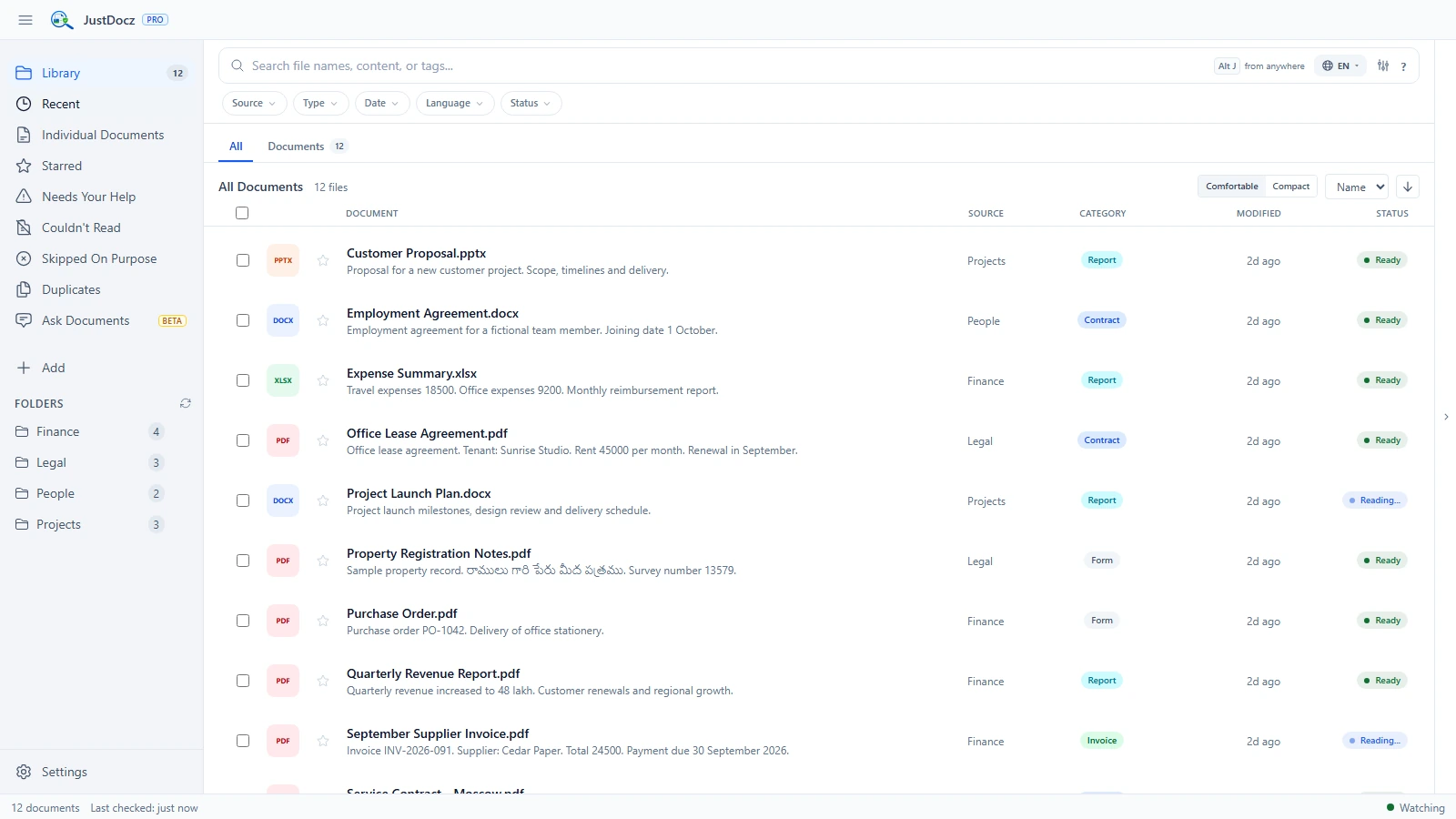
Import supported Outlook PST, MBOX and EML files. Look for senders, subjects and words in message text.
Supported attachments are extracted and indexed as documents. OCR can also process supported scans and images inside an archive.
Search exported correspondence beside the other files you index, with processing on your own computer.
FROM FOLDER TO FOUND
This page describes search over exported archives, not live inbox synchronization. Results depend on archive format and condition, attachment support and completed indexing. Test your own export during the trial.
Use a supported PST, MBOX or EML archive already saved to your computer.
Allow time for messages and attachments to be processed. Large archives and scanned attachments can take longer.
Try a sender, subject phrase or reference from the correspondence, then inspect the matching message or document.
GOOD TO KNOW
Yes. PST is one of the supported email archive formats, alongside MBOX and EML. Support and results depend on the particular archive and its condition.
Supported scanned attachments can be processed with OCR. Searchability depends on successful extraction, completed processing and the quality of the scan.
This workflow uses exported archive files on your computer. No JustDocz cloud account is required for normal use, and your archive does not need to be uploaded to a JustDocz service.
TRY IT WITH YOUR OWN FILES
Try every Pro feature for 14 days. No credit card or JustDocz account required.